Try Foruki yourself
Step 1 of 7
- Open
- Edit
- Add
- AI
- Finish
- Share
- Reopen
Text, checklists and tables in one document, written together through one link
Seven steps from opening a document to sending it · No sign-up · Nothing saved
Example screen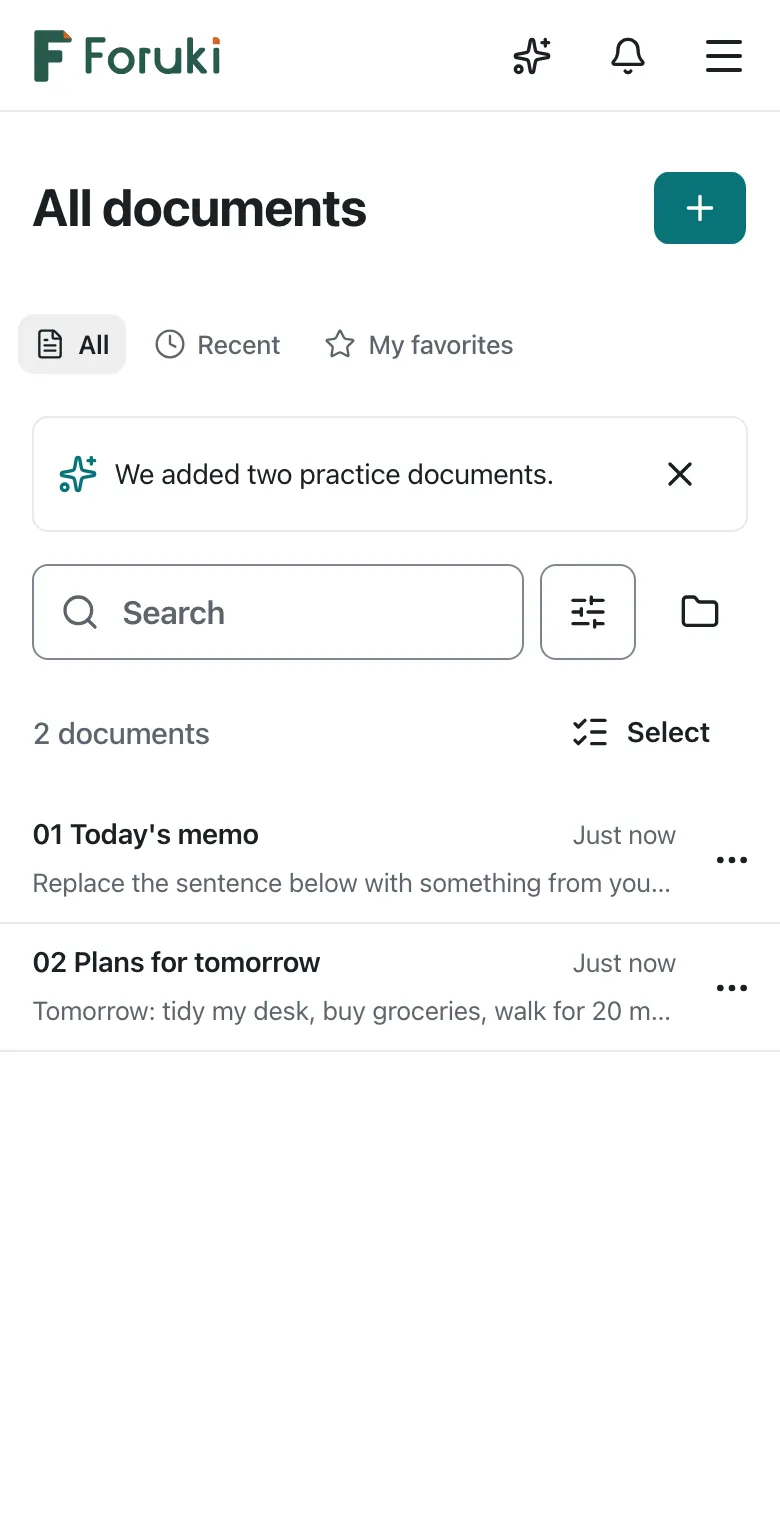

Seven steps
- Open documentA document you open for the first time is ‘Editing’, ready to change
- Edit the textNo save button; ‘Editing ✓’ at the top means saved
- Add contentText, checklists and tables mix in one document
- Hand it to AIAI shows it first; you decide whether to insert it
- Finish editingYour text was already saved; ‘Done’ keeps this state as version 2
- Send to people you write withRecipients sign in and open it in that role
- Reopen and editA reopened document shows the reading view; to change it, start with ‘Edit’